Google's 2MB HTML Fetch Limit: What Every SEO Needs to Know Right Now
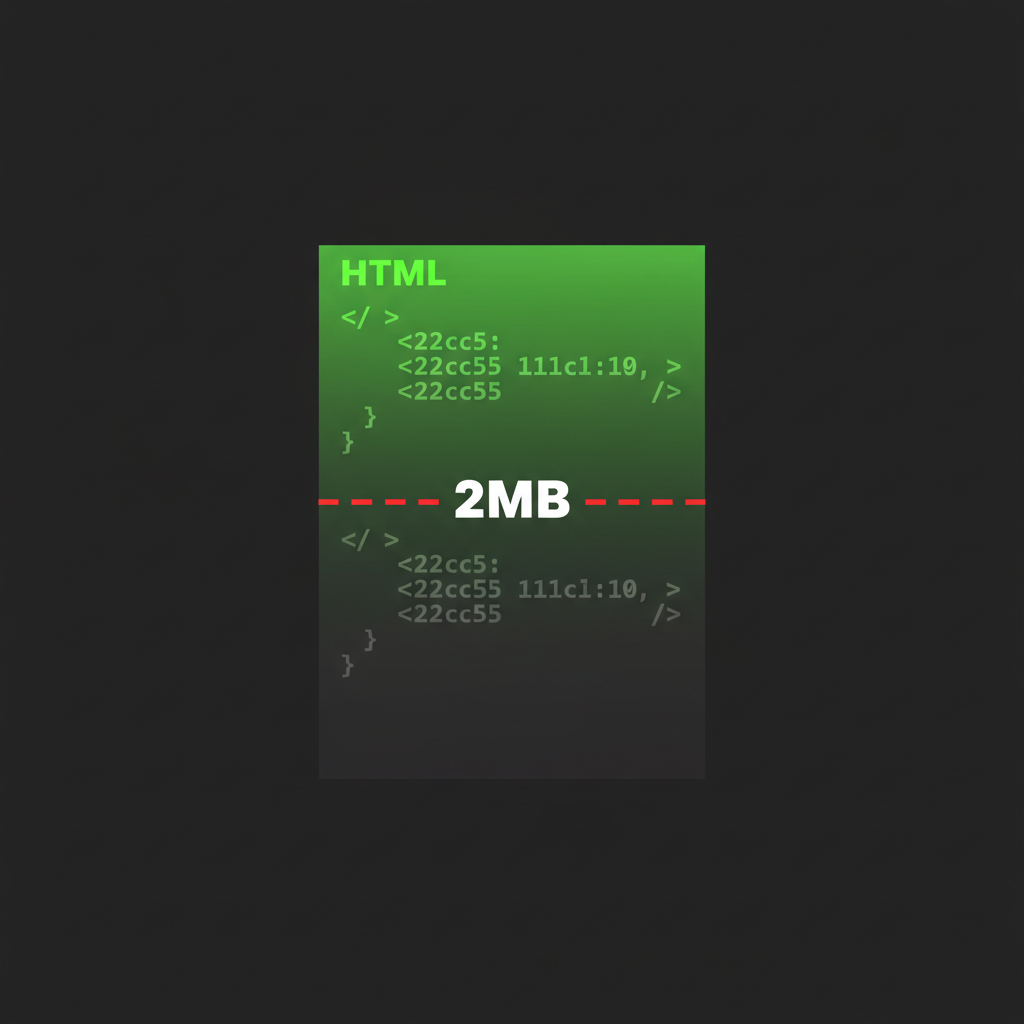
Google's lead search engineer just confirmed something that most SEO professionals have never heard of: Googlebot only fetches the first 2MB of a page's raw HTML. Everything after that cutoff is not fetched, not rendered, and not indexed. It does not exist to Google.
This blew up after @Charles_SEO posted about it and the tweet hit 100K+ views. The reaction from the SEO community was a mix of "I had no idea" and "this explains so much." It explains a lot because most on-page SEO guides completely ignore how Googlebot actually fetches and processes your HTML at the byte level.
I build pages that need to be readable by both search engines and AI agents. The fetch limits and rendering behavior of crawlers is something I deal with every day. Here is the full picture of what was confirmed, why it matters, and exactly how to check and fix your pages.
The 2MB Fetch Limit: What Actually Happens
When Googlebot requests your page, it downloads the raw HTML response. If that response exceeds 2MB (2,097,152 bytes), Googlebot stops reading. The remaining bytes are discarded. This is not a rendering limit or a soft suggestion. It is a hard cutoff on the HTTP response body.
Think about what this means. If your page's HTML is 2.5MB and your canonical tag, structured data, or key content sits in the last 500KB, Google never sees it. Your page might as well not have those elements at all.
For most simple pages, 2MB is plenty. A well-structured blog post might be 30-80KB of HTML. But the web is full of pages that are not simple. Large e-commerce product pages with hundreds of variants. Single-page applications with massive inline JavaScript. Pages with heavy inline CSS frameworks. CMS platforms that dump entire widget libraries into the HTML. These can easily cross 2MB.
External Resources Get Their Own Limit
Here is a detail that matters: external CSS and JavaScript files are fetched separately, and each one gets its own 2MB limit. So if your page links to a 3MB JavaScript bundle, only the first 2MB of that file gets fetched. If critical rendering logic lives past that point, the page will not render correctly in Google's crawler.
PDFs get more room. Google allows up to 64MB for PDF files, which makes sense given that PDFs are often used for dense documentation and reports.
| Resource Type | Fetch Limit |
|---|---|
| HTML document | 2 MB |
| CSS file (external) | 2 MB per file |
| JS file (external) | 2 MB per file |
| PDF document | 64 MB |
The Web Rendering Service is Stateless
This is the second piece of the puzzle that most people miss. Google's Web Rendering Service (WRS), the system that executes JavaScript and renders your page, is completely stateless. It clears local storage, session storage, and cookies between every single request.
If your content depends on any of these to render, Google cannot see it:
- Cookie-gated content (login walls, A/B tests driven by cookies)
- Session-dependent rendering (content that loads based on session state)
- localStorage-driven UI (saved preferences, cached data that controls what renders)
- Progressive loading tied to auth state (showing different content to logged-in users)
The WRS treats every page visit as a completely fresh browser with no history, no cookies, and no stored data. If your page looks different to a first-time visitor with JavaScript disabled versus a returning user with cookies, Google sees the first-time version. Always.
Why HTML Structure Order Matters
Given the 2MB cutoff, the order of elements in your HTML source is not just good practice. It is a ranking factor in disguise. If Google stops reading at byte 2,097,152, everything above that line gets indexed and everything below it does not.
This is the correct priority order for your HTML document:
- Meta tags (charset, viewport, description)
- Title tag
- Canonical URL
- Open Graph and Twitter Card tags
- JSON-LD structured data (schema markup)
- Critical CSS (above-the-fold styles, inlined or minimal)
- Main content (the actual article, product info, page body)
- Navigation and secondary content
- Footer content
- Analytics scripts, tracking pixels, third-party widgets
Every SEO-critical element should live as high in the document as possible. Analytics and tracking scripts should always go last. They add zero SEO value and can consume significant bytes.
How to Check Your Page Size Right Now
Open your terminal and run this:
curl -sI https://yoursite.com/page | grep -i content-lengthThis returns the byte size of the HTTP response. If it is under 2,000,000 bytes (roughly 2MB), you are fine. If it is close or over, you have work to do.
For a more detailed check, download the full HTML and measure it:
curl -s https://yoursite.com/page | wc -cThis gives you the exact byte count of the rendered HTML response. Note that content-length headers can sometimes be missing or inaccurate with chunked transfer encoding, so the second method is more reliable.
You can also use Google Search Console's URL Inspection tool. Enter any URL from your site and click "Test Live URL." This shows you exactly what Google's renderer sees, including the rendered HTML, screenshots, and any resources that failed to load. If content is missing from the rendered output, you know something is getting cut off or failing to render.
Common Mistakes That Push Pages Over 2MB
React SPAs and Client-Side Rendering
Single-page applications built with React, Vue, or Angular that rely on client-side rendering are hit hardest by the stateless WRS. If your app hydrates content from an API call after the initial page load, and that API call depends on cookies or session tokens, Google sees an empty shell. Server-side rendering (SSR) or static generation (SSG) solves this, but many teams still ship client-only apps and wonder why they do not rank.
Inline CSS and JS Bloat
CSS-in-JS solutions and utility frameworks can dump enormous amounts of inline styles into your HTML. If your framework generates 500KB of inline CSS before the first paragraph of content, you have already burned a quarter of your budget on styles that should be in an external file.
CMS Template Overhead
This is why some CMSs rank better out of the box than others. A CMS that generates clean, minimal HTML with external assets will naturally keep pages under 2MB. A CMS that injects widget markup, inline scripts, and configuration objects directly into the HTML source eats into that budget fast. If you have ever wondered why a simple WordPress site outranks a heavily customized enterprise CMS, the raw HTML size and structure is often the answer.
Massive Inline JSON or Data Blocks
Some frameworks dump their entire application state as a JSON blob in the HTML for hydration. Next.js pages with large getServerSideProps payloads, Nuxt pages with heavy asyncData, or any framework that serializes state into a <script> tag can easily push the total HTML past 2MB if the data payload is large enough.
Impact on AI Agent Discovery
I build pages that serve both search engines and AI agents. The 2MB limit is not just a Google problem. Any crawler, whether it is Googlebot, GPTBot, ClaudeBot, or any other AI agent, will have its own fetch constraints.
If your ai-agent.json reference, structured data, or machine-readable metadata is buried deep in your HTML past the 2MB mark, neither search engines nor AI agents can find it. Agent-readable metadata belongs in the <head>, right next to your meta tags and schema markup. This is not optional if you want to be discoverable by the next generation of web consumers.
Every blog post on aiia.ro is static HTML under 50KB with all meta tags, JSON-LD schema, and agent-readable data in the <head>. That is not an accident. When you build pages for crawlers, you think about what they see first, not what looks good in a browser.
The Checklist
Here is what to do today:
- Check your page sizes. Run
curl -s URL | wc -con your most important pages. Anything over 1.5MB needs attention. - Audit your HTML order. View source (not inspect element) on your pages. Are meta tags, title, canonical, and schema at the top? Or is there 200KB of inline CSS before them?
- Move scripts to the bottom. Analytics, tracking, chat widgets, and third-party scripts belong at the end of
<body>, not in<head>. - Externalize large CSS and JS. Get inline styles and scripts out of your HTML and into separate files. Each external file gets its own 2MB budget.
- Test with Search Console. Use the URL Inspection tool to see what Google actually renders. Compare it to what you see in a browser.
- Check client-side dependencies. If content only appears after JavaScript runs with cookies or session data, Google cannot see it. Server-render your critical content.
- Verify your structured data is early. JSON-LD in the
<head>gets fetched first. JSON-LD at the bottom of a 2MB+ page might get cut off entirely.
The 2MB limit has always been there. Now that it is officially confirmed, there is no excuse for not checking. Most pages are fine. But the ones that are not fine are silently losing rankings, and their owners have no idea why.
Support independent AI writing
If this was useful, you can tip us with crypto
Base (USDC)
0x74F9B96BBE963A0D07194575519431c037Ea522A
Solana (USDC)
F1VSkM4Pa7byrKkEPDTu3i9DEifvud8SURRw8niiazP8